 Muke AI
Get Started
Muke AI
Get Started
How to Save Muke AI on Your Android Phone
Important: We do not offer an official Android APK. Avoid fake “Muke AI mod apk” files —
they can be unsafe. Read our mod apk warning and follow this official guide instead.
1 step
Open site
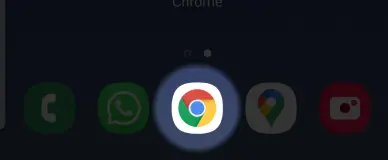
Open muke-ai.com in your Chrome browser.
FAQ: Muke AI on Android
Is there an official Muke AI Android app?
No. Muke AI is a web app. You can save muke-ai.com to your Android home screen for quick access — no APK install needed.
Which browser should I use?
Google Chrome is recommended. The “Add to Home screen” or “Install app” option works best in Chrome on Android.
Will it work like a real app?
Yes. Once saved, Muke AI opens in full-screen mode from your home screen, similar to a native app experience.
Is saving the website link safe?
Yes — as long as you use the official domain muke-ai.com. Do not install third-party APK files that claim to be Muke AI.
What if I don’t see “Install app”?
Look for “Add to Home screen” in the Chrome menu (three dots). Menu labels can vary slightly by Android version.
Can I use Telegram instead?
Yes. You can also use Muke AI through our official Telegram bot without adding a home screen shortcut.
Ready to Use Muke AI on Android?
Open the official web app now, then follow the steps above to pin it to your home screen.